How to Restore Old Photos with AI in 2026
Learn how AI photo restoration works and how you can bring faded, scratched, or damaged photos back to life in seconds — no Photoshop skills required.
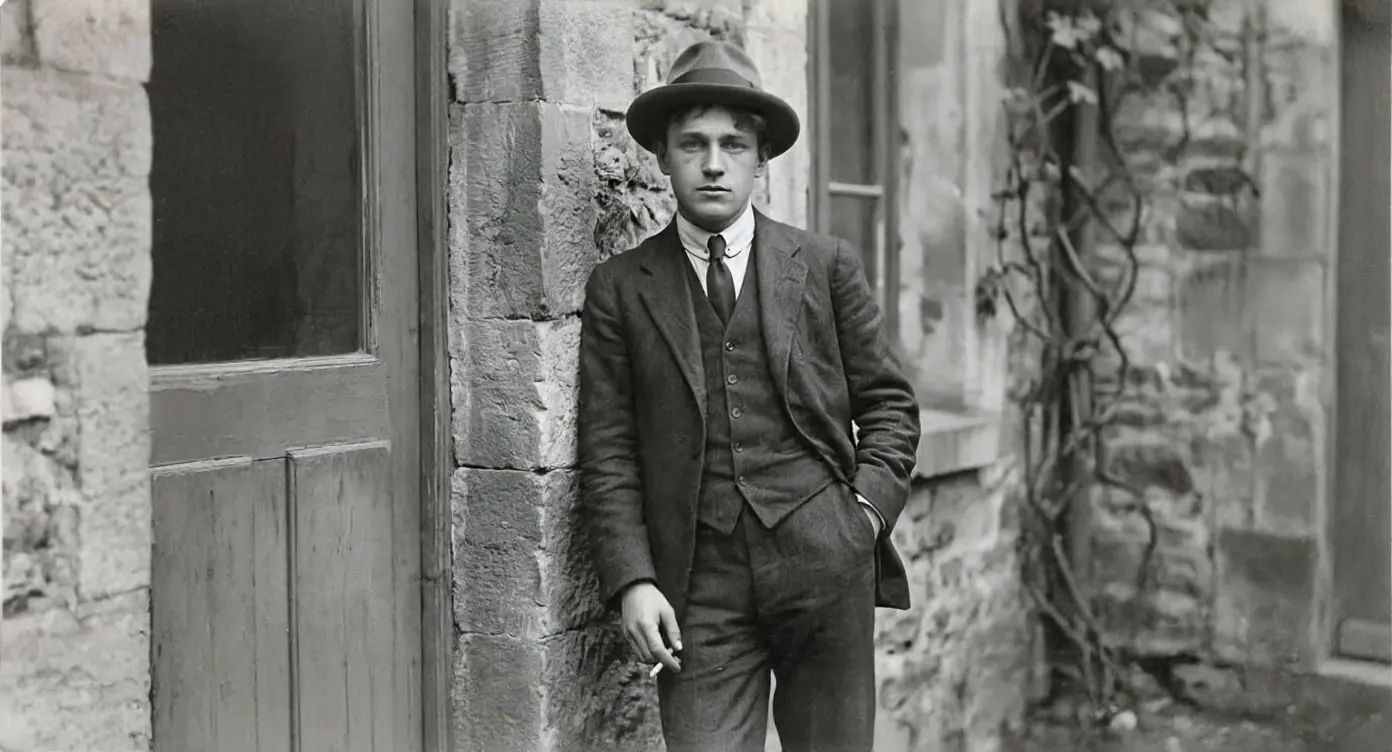
Old photographs hold irreplaceable memories, but time is not kind to printed pictures. Fading, scratches, water damage, and color shifts gradually erase the details that make those moments special.
Traditionally, restoring a damaged photo meant hiring a professional retoucher — a process that could take days and cost anywhere from $50 to $300 per image. But thanks to recent breakthroughs in generative AI, anyone can now restore old photos in seconds.
How AI Photo Restoration Works
Modern AI restoration models are trained on millions of image pairs — damaged originals alongside their pristine versions. Through this training, the model learns to:
- Remove scratches and creases by understanding what the underlying image should look like
- Recover faded colors by predicting the original color palette from remaining tonal information
- Sharpen blurry details using super-resolution techniques that intelligently add detail
- Fill in missing areas where the photo has been torn or damaged
The best models today use diffusion-based architectures that generate results indistinguishable from photographs that were never damaged in the first place.
Step-by-Step: Restoring a Photo with Renuvé
- Upload your photo — drag and drop or click to select any image file. We support JPEG, PNG, WebP, and even scanned TIFFs.
- Choose "Restore" from the AI toolbar — our model analyzes your image and identifies areas that need repair.
- Preview the result — use the before/after slider to compare the restoration with the original.
- Download — save your restored photo in full resolution.
The entire process takes under 10 seconds for most images.
Tips for Best Results
- Scan at high DPI — if you're digitizing printed photos, scan at 600 DPI or higher. More pixels give the AI more data to work with.
- Avoid pre-processing — don't apply filters or adjustments before uploading. The AI works best on raw scans.
- Try multiple passes — for heavily damaged images, running the restoration twice can improve results further.
When to Use AI vs. Manual Restoration
AI restoration is ideal for:
- Family photos with mild to moderate damage
- Batch processing dozens of old images
- Quick previews before deciding on professional work
For museum-grade restorations of historically significant images, professional retouching still has an edge. But for the vast majority of personal photos, AI delivers stunning results at a fraction of the cost and time.
Get Started
Renuvé offers free credits to try AI photo restoration. Upload your first photo and see the difference in seconds — no account required to preview results.
Ready to try it yourself?
Upload a photo and see the AI magic in seconds — free credits included.
Try Renuvé Free