Create Professional Headshots with AI — No Photographer Needed
Learn how AI headshot generators create studio-quality professional portraits from casual selfies. Perfect for LinkedIn, resumes, and business profiles.
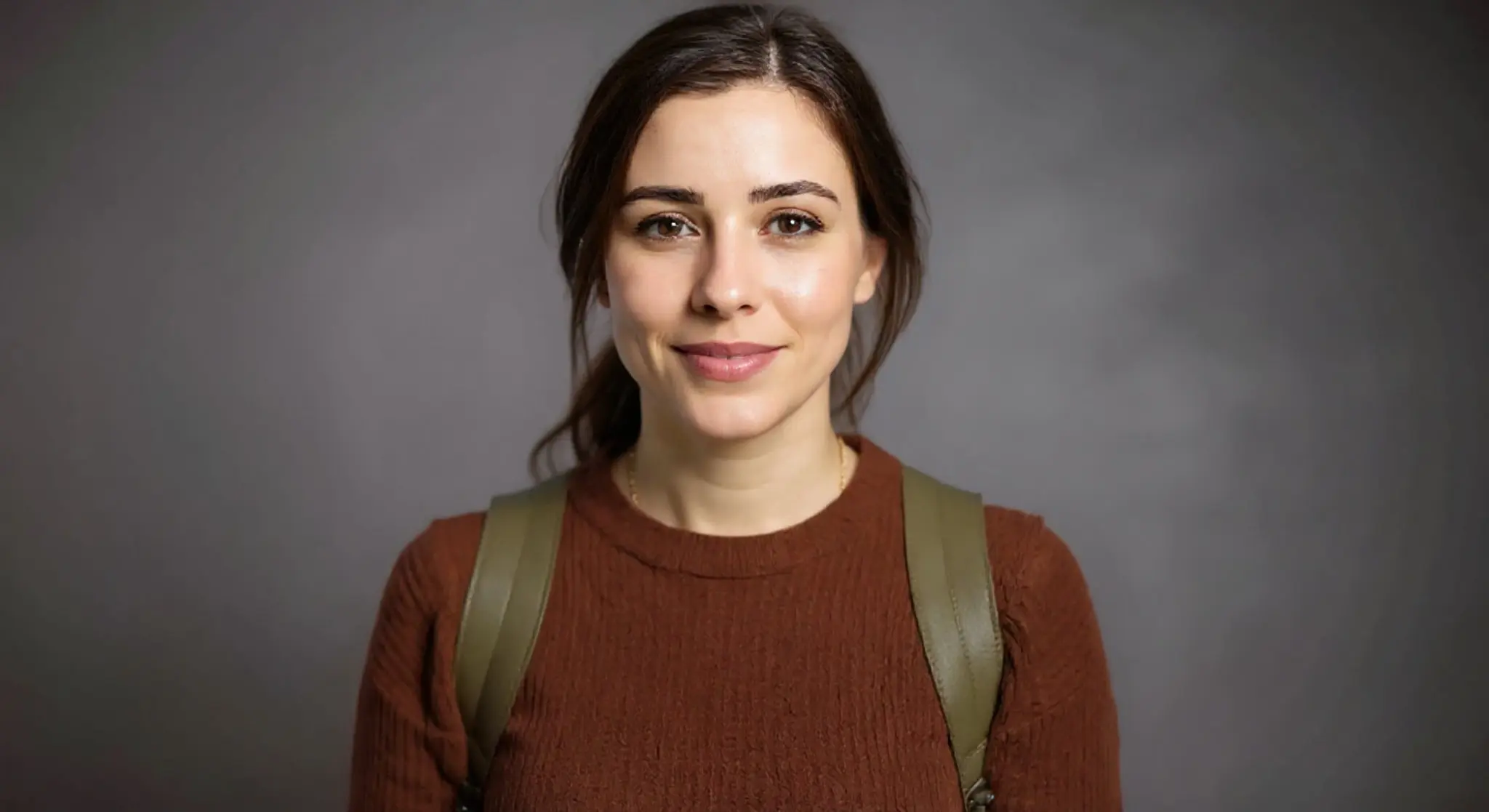
A professional headshot is one of the most important images in your career. It's the first thing people see on LinkedIn, your company website, and conference speaker pages. But booking a photographer, renting a studio, and spending an hour posing can cost $200–$500 and half a day.
AI headshot generation changes the equation entirely.
How AI Headshots Work
AI headshot tools take a casual photo — even a selfie — and transform it into a polished, studio-quality portrait. The AI handles:
- Background replacement — swapping your kitchen background for a clean studio backdrop
- Lighting correction — simulating professional studio lighting with soft shadows
- Skin retouching — subtle, natural retouching that smooths blemishes without making you look artificial
- Outfit adjustment — in some cases, the AI can adjust clothing to look more professional
The key is that the output still looks like you — just the best, most professional version.
Renuvé's Headshot Presets
We offer six carefully designed headshot styles:
- Outdoor Natural — soft natural lighting with a blurred outdoor background
- Gray Studio — classic corporate headshot with neutral gray backdrop
- Polished Professional — bright studio lighting, clean white background
- Blue Corporate — navy blue gradient background, ideal for finance and consulting
- Natural Daylight — window-lit feel, warm and approachable
- White Clean — pure white background, perfect for ID photos and applications
Each preset produces consistent, predictable results, so you can match your headshot style across team members.
Tips for the Best AI Headshot
- Use a front-facing photo — the AI works best with a clear view of your face, looking at or near the camera.
- Good lighting helps — even basic window light produces better results than a dark room.
- Neutral expression or natural smile — the AI won't change your expression, so start with the look you want.
- High resolution — use the highest quality camera available. A modern smartphone camera is more than sufficient.
- No sunglasses or hats — the AI can work around accessories, but clean, unobstructed faces produce the best results.
AI Headshots vs. Professional Photography
| Factor | AI Headshot | Professional Photographer |
|---|---|---|
| Cost | Under $1 per image | $200–$500 per session |
| Time | 10 seconds | 1–3 hours (session + editing) |
| Consistency | Identical style across team | Varies by session |
| Quality | Excellent for digital use | Superior for large prints |
| Convenience | Anytime, anywhere | Requires scheduling |
For LinkedIn profiles, email signatures, and digital business cards, AI headshots are indistinguishable from professional photography. For large-format prints or premium branding materials, professional photography still has the edge.
Team Headshots Made Easy
Companies often struggle to get consistent headshots across their team. With AI, each team member can upload their own casual photo and get a matching professional result in the same style. No more scheduling nightmare of gathering 50 people for a group photo session.
Start Now
Upload a selfie to Renuvé, choose a headshot preset, and have your professional portrait ready in seconds. Free credits included — no payment required to try.
Ready to try it yourself?
Upload a photo and see the AI magic in seconds — free credits included.
Try Renuvé Free